Persons
Person profiles in Customer Profiles provide a unified view of individual customers, leads, and agents throughout their journey with your organization.
Each profile consolidates contact information, activity history, custom attributes, tags, and segment memberships to deliver personalized customer experiences.
To access Persons, log in to your Infobip account and go to Customer Profiles → Persons.
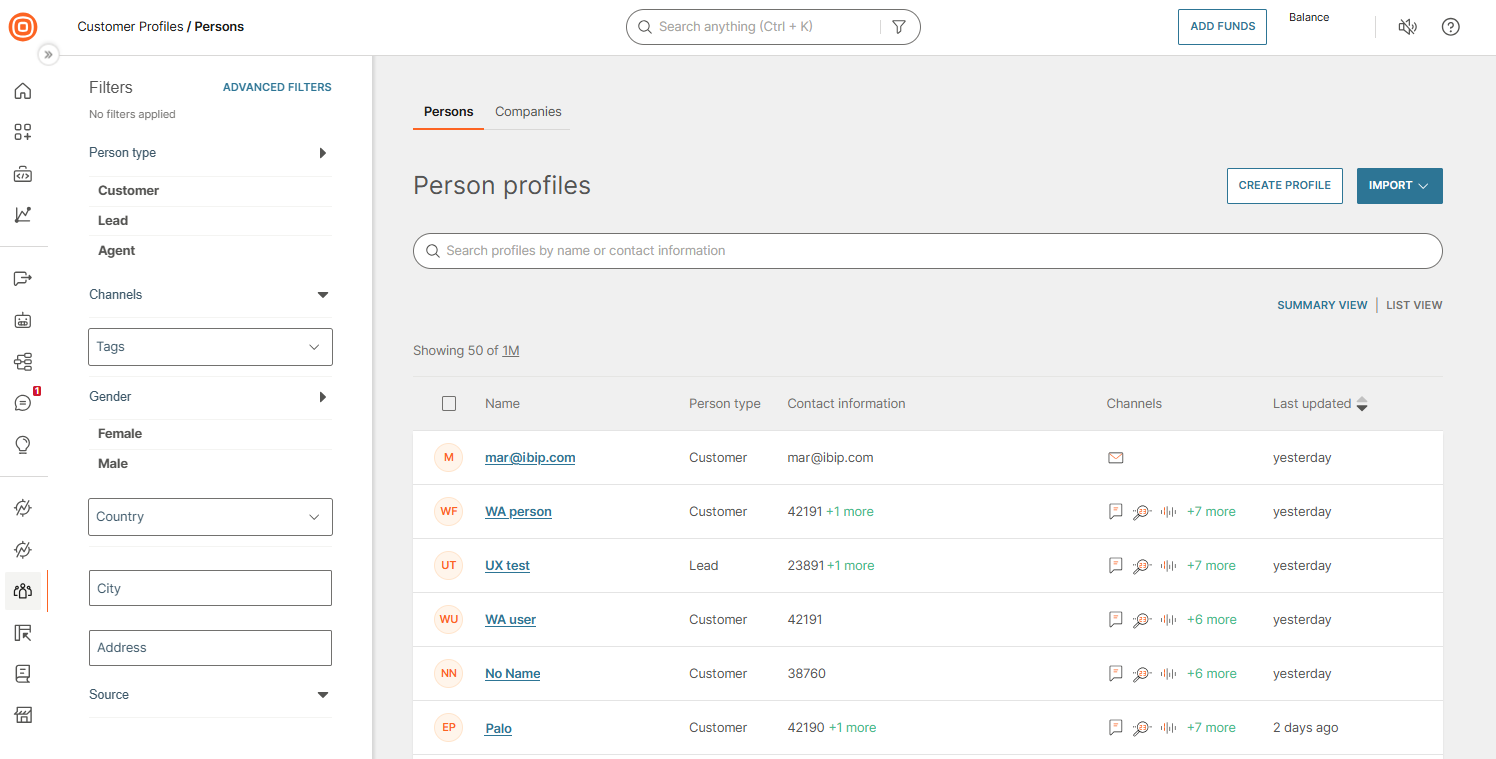
Understand person profiles
Before working with person profiles, understand the different person types and how they represent customer journey stages.
Person types (leads, customers, and agents) determine available features and protection levels for profile data.
WhatsApp identity in Customer Profiles [#whatsapp-identity-in-customer-profiles]
A person profile can identify a WhatsApp user by their phone number, by a business-scoped user ID (BSUID), or by both.
WhatsApp users can adopt a username and hide their phone number. When a phone number is hidden, it may not appear in inbound webhooks. To keep every user reachable, Meta issues a BSUID, a stable per-business identifier that is always present. Customer Profiles can therefore recognize and reach a WhatsApp user even when no phone number is available.
For profiles you actively engage with, there is no practical difference between reaching a person by phone number or by BSUID. This includes people you have messaged before or who are in your Contact Book. Both resolve to the same person profile. Within Customer Profiles, the phone number remains the primary identifier used to synchronize profiles across systems and identify users. The BSUID acts as a durable fallback identifier.
A person profile can hold a WhatsApp contact separate from the phone number. A profile can also exist with a WhatsApp contact only, with no phone number, when a person first reaches you from a username.
Some message types, including one-tap, zero-tap, and copy code authentication templates, require a phone number and cannot use a BSUID. For more information, see WhatsApp usernames and business-scoped user IDs.
Find and view persons
Locate specific profiles using search and filters, and understand how profile information is displayed.
Search
Search profiles by name or contact information to quickly locate specific persons. The search bar appears on the Persons page.
Manage person data
Add, import, export, and synchronize person profiles to build and maintain your customer database.
Work with profile data
Learn how profile information is organized in the person profile details view.
Each profile contains three main tabs:
- Overview - Basic information, person IDs, system fields, activity feed
- Contact information - Phone, email, channel contacts
- Attributes, tags, and events - Custom attributes, labels, activity history