AI agents
EARLY ACCESSUse Quality center to evaluate your AI agents before and after deployment. Organize tests into groups, define test cases with expected outcomes, run evaluations, and review results to identify gaps.
To access Quality center, go to AI Agents > Quality center > AI Agents.
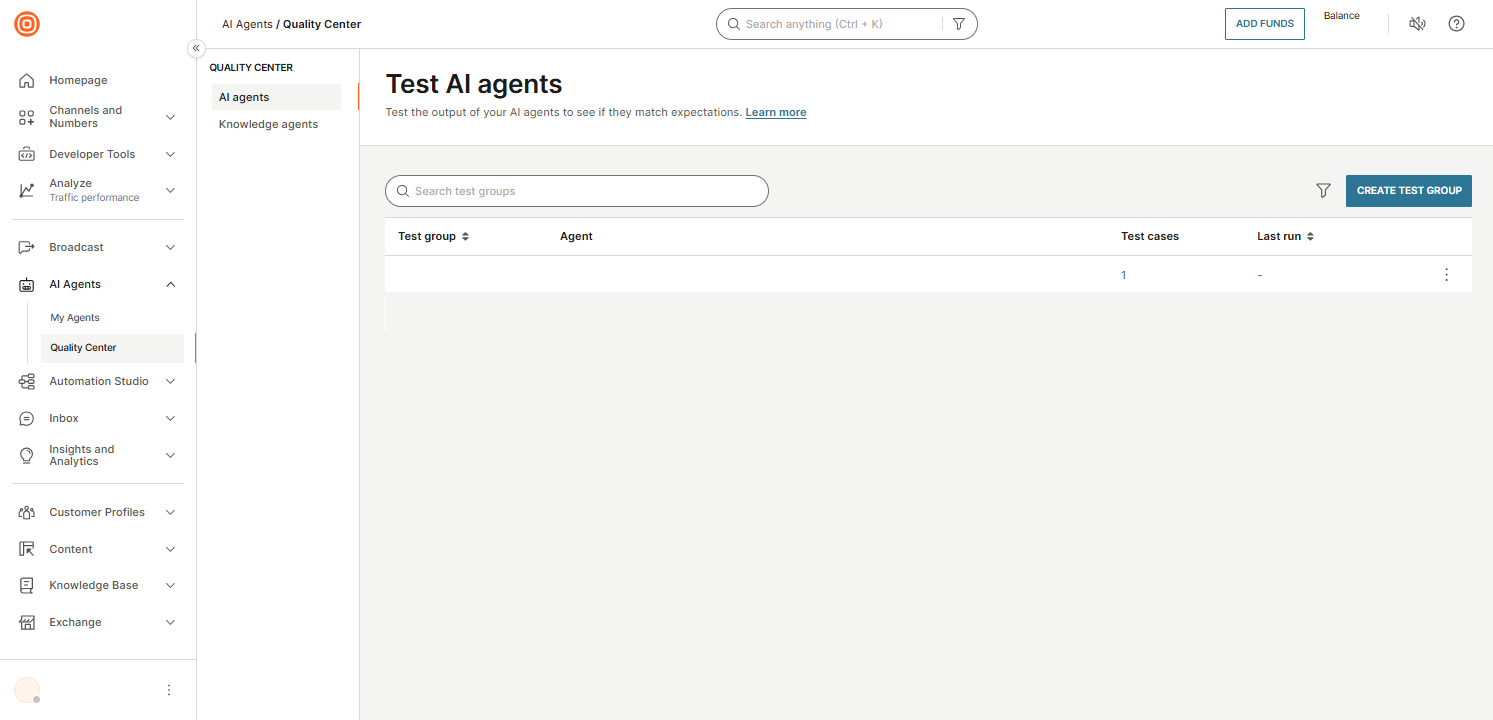
Test groups page
On the Quality center page, you can do the following:
- Search for test groups by name using the search box.
- Filter test groups by agent or date by selecting the filter icon.
- Create a test group by selecting Create test group.
Each test group displays the following information:
- Test group: Name of the test group.
- AI agent: The AI agent associated with the test group.
- Test cases: Number of test cases in the group.
- Last run: Date and time of the most recent test run.